Your website has been doing its job, but maybe it's ready for a little attention.
Technology has moved forward, businesses evolve and sometimes our websites can get left behind. If your website is still running on Squarespace 7.0, this could be a good opportunity to bring it up to date, give the design a little refresh and make sure it still feels like a good fit for your business.
And you don't necessarily need to start again from scratch to make that happen.
I've put together a focused Squarespace Website Refresh offer for existing website owners who want to make the move to the newer 7.1 platform, with a little creative attention along the way.
But first, let's check whether making the move is right for you.
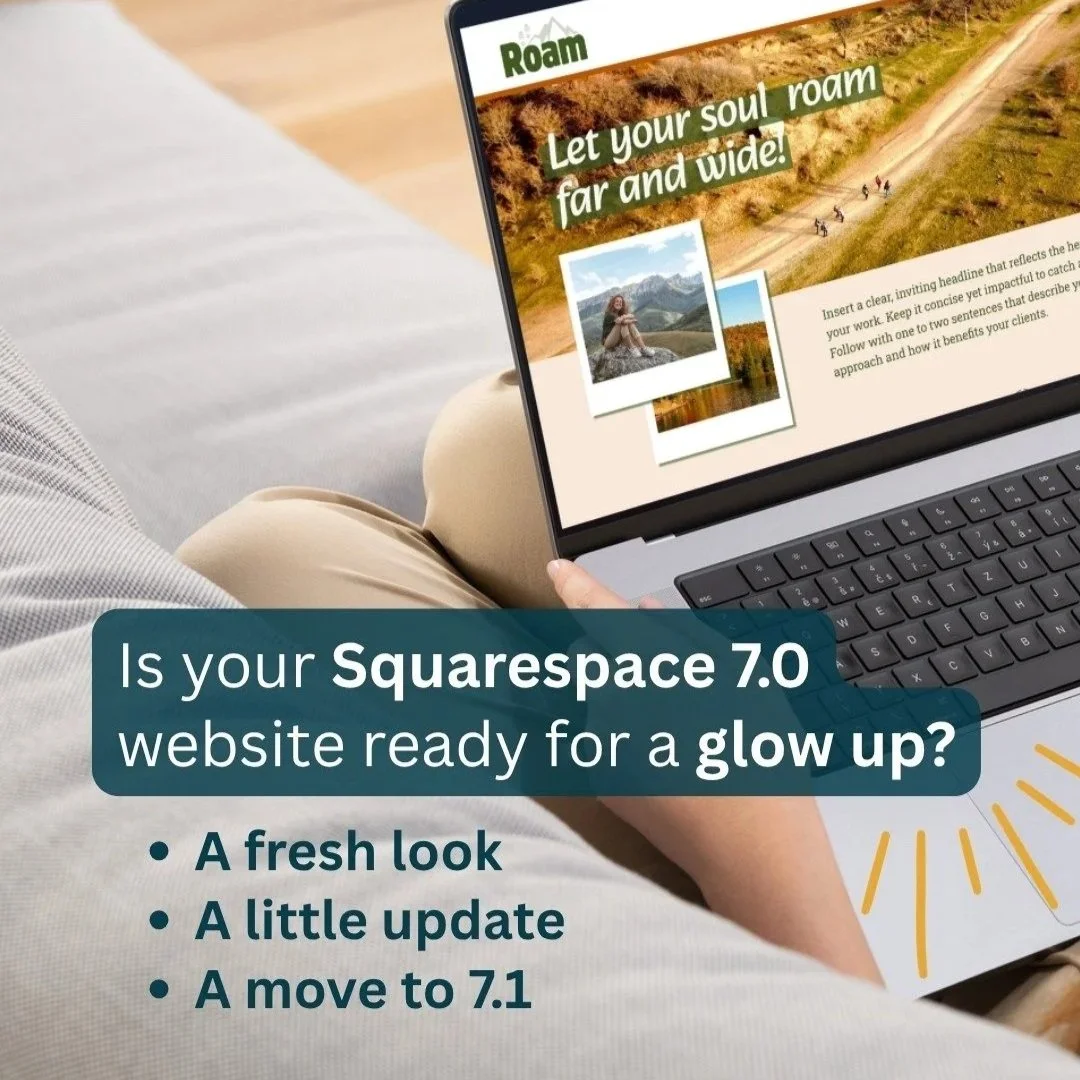
Should you upgrade from Squarespace 7.0 to 7.1?
Probably but not necessarily. If your current website is working well, looks exactly the way you want it to and does everything you need, there's no urgent reason to change it simply because a newer version exists.
Squarespace continues to support version 7.0, but it's no longer actively developing new features for it. The newer tools and developments are being built around version 7.1, so if you want to take advantage of what's being introduced on the platform, it's worth considering the move.
You might also find that the longer you stay on 7.0, the more tutorials, guides and advice you come across that are written specifically for 7.1. Having a website on the current platform makes it easier to follow along, to troubleshoot and to make use of the latest tools.
What's different about Squarespace 7.1?
One of the biggest differences is the flexibility you have when creating and editing pages.
Squarespace 7.1 uses a section-based approach to page building, with its Fluid Engine editor giving you much more freedom over how content is arranged on the screen. You can move elements around, adjust layouts and create far more varied page designs without needing to work with code.
You also have access to more flexible styling options, including section-specific colours and backgrounds, as well as features such as auto layouts, animations and portfolio pages.
In short, there's much more freedom to make your website look and work the way you want it to, without being quite so restricted by the template you originally chose and if you're someone who likes to make your own website updates, I think you'll find the editing experience a lot smoother once you've got used to it.
Squarespace has put together its own guide to the differences between version 7.0 and 7.1 if you'd like to explore the technical details.
A Squarespace Website Refresh
If you've already been thinking about updating your website, perhaps because the design, images or content feels a little dated or your business has evolved since you first built it, moving to 7.1 could be a great opportunity to tackle both things together.
Rather than treating the platform update as a technical job on its own, I want to help you make a little more of the opportunity.
I'll oversee the move from Squarespace 7.0 to 7.1, check that everything has transferred as expected and use the opportunity to give selected areas of your website a visual refresh.
The aim is to give you a more current website, built on the latest Squarespace platform, with a solid foundation and the confidence and resources to keep it updated yourself.
I'm offering a focused day of creative and technical work, based on my Design Day format for £800.
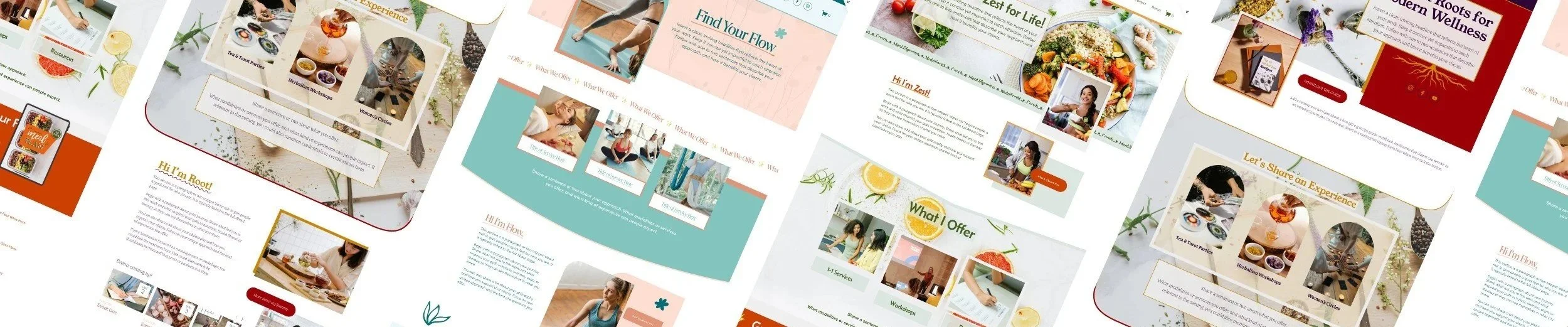
What's included in your Website Refresh?
1. Squarespace 7.0 to 7.1 update
I'll manage the update process, review the new version of your site and check that your existing pages and content have carried across as expected. I'll identify anything that needs attention and make the necessary adjustments within the agreed scope.
2. A visual refresh
A chance to revisit the look and feel of your key pages. Depending on what your website needs, this might include tweaking your colour palette, updating font styling, replacing older imagery or making some layout and styling adjustments.
The focus will typically be on your main pages, such as Home, About and Services, rather than a complete redesign of every page on your website.
3. A few practical updates
I'll check the key website settings, mobile presentation and SEO basics, making sure the important details are in place.
4. My Squarespace Template Toolkit
You'll also receive lifetime access to my Squarespace Template Toolkit, including tutorials, resources and guidance for Squarespace 7.1. It's there to help you get comfortable with the new platform and give you the tools to make future updates yourself.
How does the Website Refresh work?
The refresh takes place over the course of a single day, following my Design Day approach.
We'll have a conversation beforehand to agree on your priorities and identify the areas of your website that would benefit most from some attention.
The main priority is the move to Squarespace 7.1. The amount of additional design and content work will depend on what's involved in your particular website and how much time is available once the update has been completed.
This isn't simply a case of pressing an update button and hoping for the best. I'll oversee the process, check what needs attention and use my design experience to make improvements along the way.
It's also worth knowing that the update takes place on your existing website, rather than requiring you to start a new site and pay for a second hosting subscription. Your existing Squarespace plan, payment arrangements and renewal date remain unchanged.
A few extra things to know about the scope:
The update process brings your existing content across to 7.1, but the additional design work focuses on selected key pages rather than a full website redesign.
Any new imagery will need to be supplied by you, or selected from existing resources we've agreed to use.
The offer covers existing standard Squarespace website pages. Websites with shops, courses or membership content may involve additional work and fees, which we'll discuss individually.
A full rebrand, extensive copywriting, complex content restructuring, additional pages, new functionality or a substantial SEO project would sit outside this offer. If you need more extensive work, we can discuss that separately.
Is my Squarespace 7.0 website suitable?
Not every Squarespace 7.0 website is suitable for the update process.
Whether your website can be moved directly to 7.1 depends on a few things, including the template it's currently using, the features on your site and any custom code or other modifications.
Squarespace has a built-in update tool for eligible websites, but there are some limitations and differences between the two versions. For example, certain older page types and features don't have an exact equivalent in 7.1, so it's important to check what will happen before going ahead.
How much work will I actually need to do?
Actually, very little!
We'll agree on the priorities for your website refresh beforehand, so I'll have a clear idea of what needs attention.
You'll just need to provide any new images you'd like to use and let me know about any small changes you'd like to make to copy, buttons, links or colours.
I'll take care of the technical update and design work, keeping you involved where needed and giving you the opportunity to review the updated website before it goes live.
You'll have the opportunity to review the updated website before it goes live. Because publishing the move to 7.1 is permanent, I'll make sure we're happy with the result before that final step.
Still not sure? I'm happy to offer a complimentary website review before you decide whether to book.
I'll take a look around your existing website, check whether the update process is suitable and share some initial thoughts on where there might be opportunities to improve things.
It's a chance to get an experienced pair of eyes on your website, understand what's involved and decide whether a refresh is the right next step. There's no obligation to go ahead.
To carry out the review, I'll need temporary administrator-level contributor access to your Squarespace account. You remain the owner of your website and account throughout.
Get in touch with me to arrange this.
Interested in a Squarespace Website Refresh?
If your website is ready for a little attention, I'd love to hear from you.
Whether you're fairly sure you'd like to make the move to 7.1 or you're simply curious about what's involved, get in touch and we can start with a complimentary website review.
I'll take a look at your existing site, let you know whether the update is suitable and we can work out whether a Website Refresh is the right fit.
The Website Refresh is a focused service I've put together specifically for existing Squarespace 7.0 website owners, but you can find out more about my website design services and Design Days, including other ways I can help with your website and creative projects.

A little more about my work
At Create Wellbeing, I work with businesses built around wellbeing, creativity, adventure and doing things a little differently, helping bring their ideas together and find their home online.
Explore my design and creative services.
Over on Substack, I share more personal essays and reflections on creativity, identity, life and doing things a little differently. The two naturally overlap, because how I see the world shapes how I work, but each offers a different way in to how we can work together. Join me over there if you'd like to explore more of the thoughts and stories behind the work.